

Overview
This integration embeds Figma artboards and files into CrabsHQ documents, making it easy to find and view relevant design files whenever you need them. Never search through Figma, Slack, or emails to find design files again.
How it Works
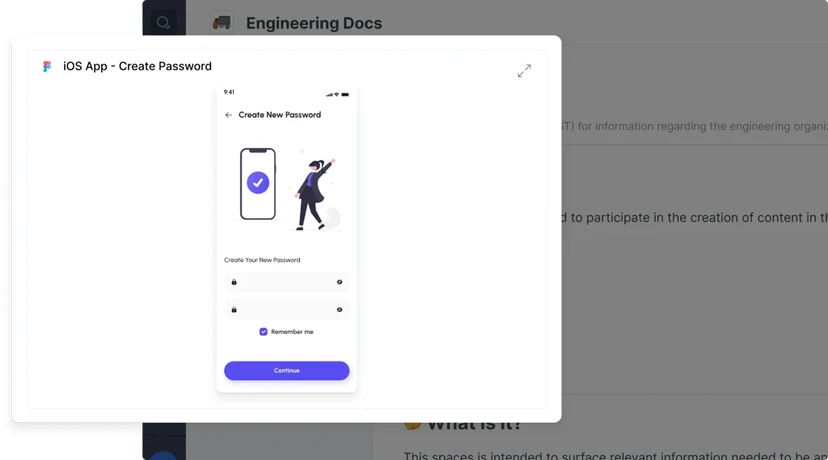
Embedding Figma files into CrabsHQ is simple - just paste a Figma link into the CrabsHQ editor. The app will turn the link into an embed that shows the Figma file name along with an image snapshot of what the file looked like at the moment that you embedded it. When viewing an embed, click on the maximize button to preview the file in CrabsHQ or on the file or artboard name to open it in Figma.
Configuration
CrabsHQ admins can go to the integrations settings to connect your organization's Figma account to Crabs HQ. Once enabled, the integration will work for all spaces where it's enabled in your organization.